Notion progress tracking: how to build progress bars, rollups, and charts in a company dashboard
Learn how to track task progress in Notion using relations, rollups, and progress bars — then build a simple company dashboard with charts and rings.
Explore business process automation insights, expert tips, and real-world case studies. Learn how to automate workflows, integrate apps, and boost efficiency.
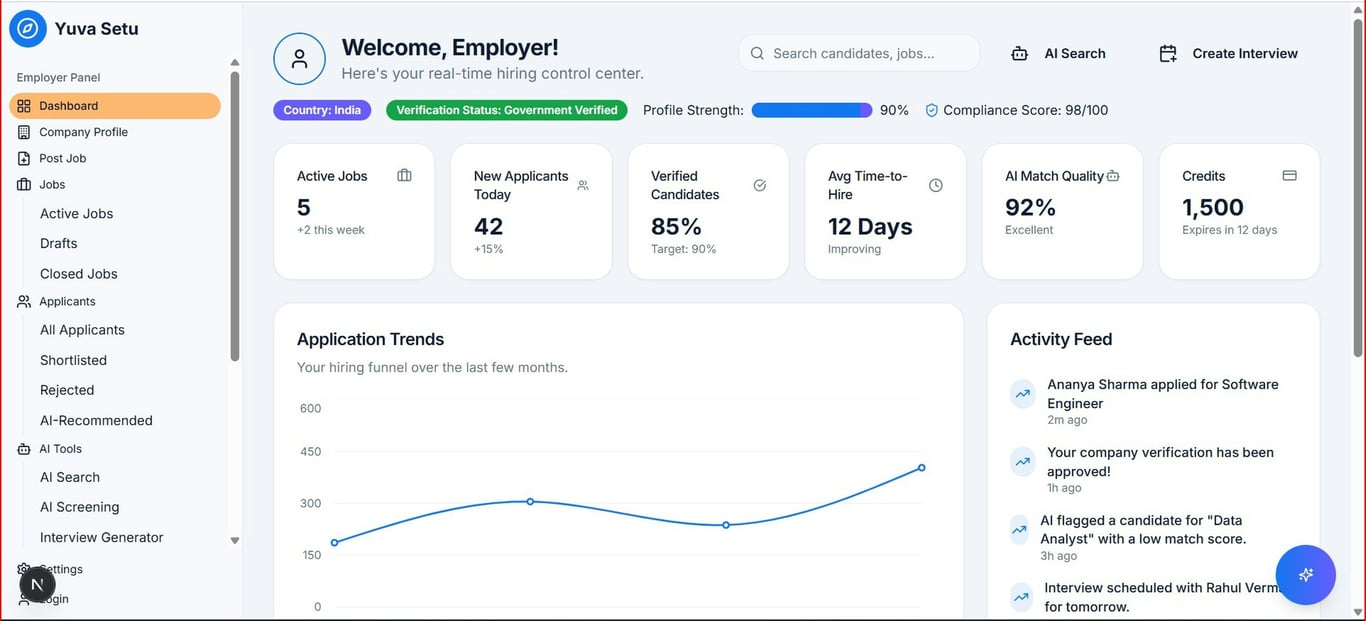
Learn how to track task progress in Notion using relations, rollups, and progress bars — then build a simple company dashboard with charts and rings.

Learn when to use native Notion database automations versus third-party tools like Zapier and Make for your workflow automation needs.

See practical Notion automation examples for dev teams: a Tasks database, an Incidents tracker, and lightweight runbooks, plus alerts for blocked work.

Learn how to automate Jobber scheduling with Zapier: batch unscheduled jobs, group by distance, text customers to confirm, and update jobs via the Jobber API.

Learn how to export a Notion proposal to a clean, client-ready PDF—including how to hide properties, reduce layout issues, and improve formatting.

Learn how to troubleshoot Motivosity API 403 errors and design a workflow that sends suggestion data to Monday.com before approval using Zapier.

Learn a simple system to pull tasks and messages from client tools like Asana and Slack into one Notion to-do list, so you can work from a single dashboard.

Learn how to build a secure Notion client portal using linked databases and filtered views. Give each client access to their own data — no duplicate databases.

Microsoft deprecated legacy Outlook connections in Zapier. Learn how to reconnect, handle admin consent in Microsoft Entra, and restore broken Zaps.

Learn when and how to transition from page-based organization to database-based workflows in Notion for better automation and collaboration.
Notion Slack notifications changed for many teams. Learn what likely changed, what is still supported, and 5 practical workarounds using automations.

Learn a simple, one-way Zapier setup to sync PracticePanther clients, matters, invoices, and payments into Notion, with rollups that track AR without manual work.
 Made with Bullet
